I used to think QR codes were simple — you create one, link it to a page, print it, and you’re done. Easy, right?
That was until I changed my menu.
And then changed it again.
And again.
Each time, I had to create a new QR code. Reprint. Redistribute. Explain to people why the old one didn’t work anymore. If you’ve ever been in the same boat — running a café, running events, launching campaigns — you know how painful that cycle can be.
That’s when QR Spider came in and quietly saved the day.
What I Needed (and What QR Spider Did)
I needed a way to create one QR code that I could update anytime. That’s it.
QR Spider made it possible:
-
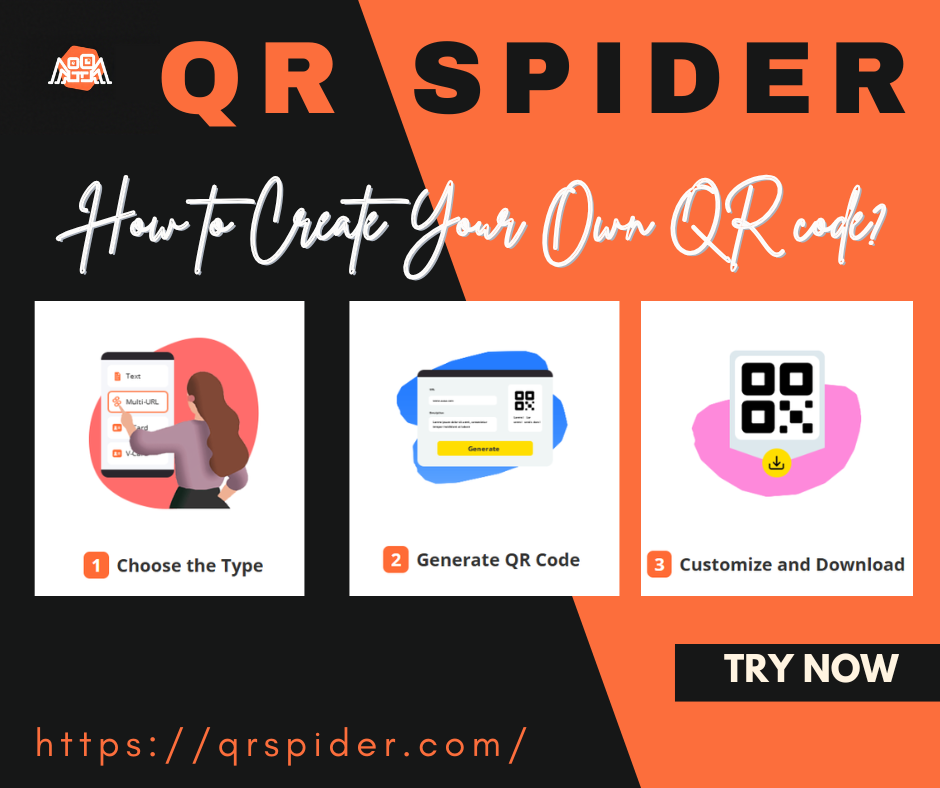
I generated a code in seconds (no sign-up required).
-
I linked it to my online menu.
-
A week later, I updated the menu link — without touching the code.
-
The same printed code still worked, like magic.
That one simple feature saved me hours of reprinting, explaining, and redesigning.
The Features I Didn’t Know I Needed
Once I signed up (totally free), I realized how helpful it was to:
-
Organize all my QR codes in one place
-
Edit links anytime with just a few clicks
-
Never worry about broken or outdated QR codes again
There’s no limit on creativity here. I’ve seen people use QR Spider for:
-
Digital business cards
-
Rotating product links
-
Event check-ins
-
Teacher resources
-
Feedback forms
-
Artist portfolios
Basically, if the content behind your code might ever change — this tool is a lifesaver.
No Strings Attached
QR Spider is:
-
✅ Free to use
-
✅ Doesn’t require sign-up (unless you want to manage your codes)
-
✅ Supported by small, non-intrusive ads
-
✅ Designed to be fast, simple, and fuss-free
You won’t find any hidden pricing, feature locks, or shady upsells. Just a clean tool that does exactly what it promises.
Try It Now
Whether you’re a creator, business owner, event host, or someone who just wants a smarter QR code — try it for yourself:
It’s free. It’s fast. It just makes sense.
And hey, if it saves you even half the headaches it saved me, I’d call that a win.